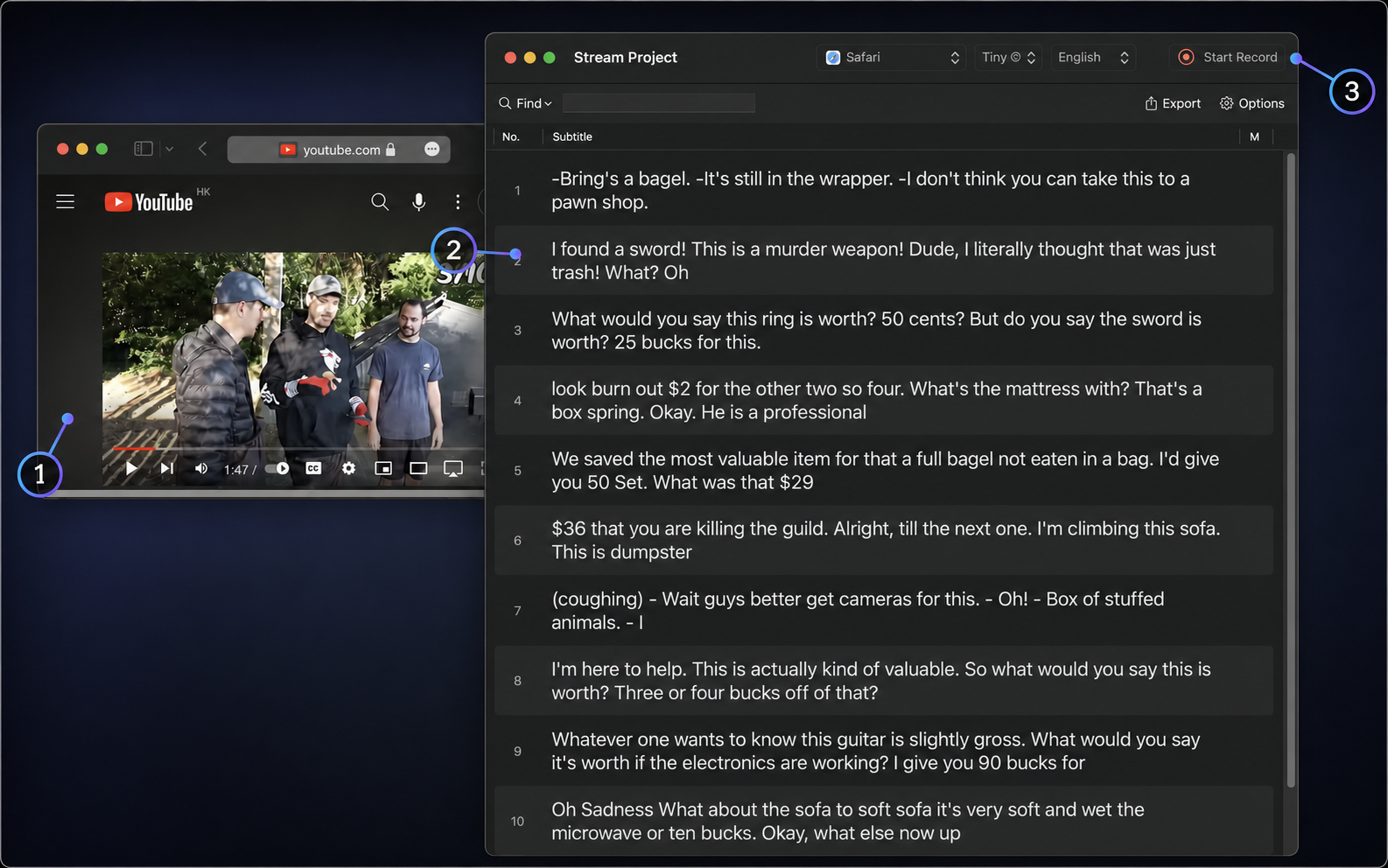
Transcribe what your Mac is playing
Turn videos, calls, and browser audio into a live transcript.
- 1
Capture audio from a video or call.
- 2
Watch transcript segments arrive in real time.
- 3
Start and stop the selected app capture in one place.
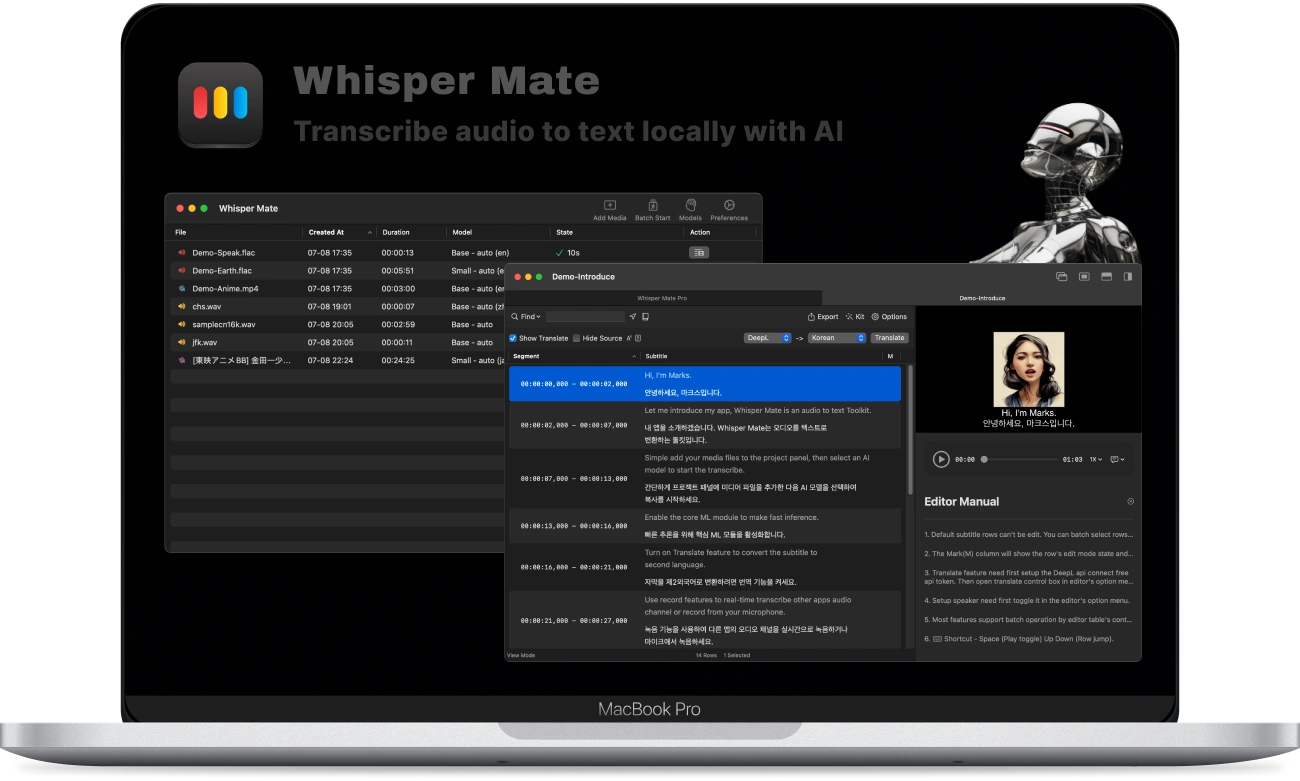
 Whisper Mate
Transcribe files, live audio, and any Mac app. Translate, refine, and export subtitles without sending your media away.
macOS 13.3+ · Local-first
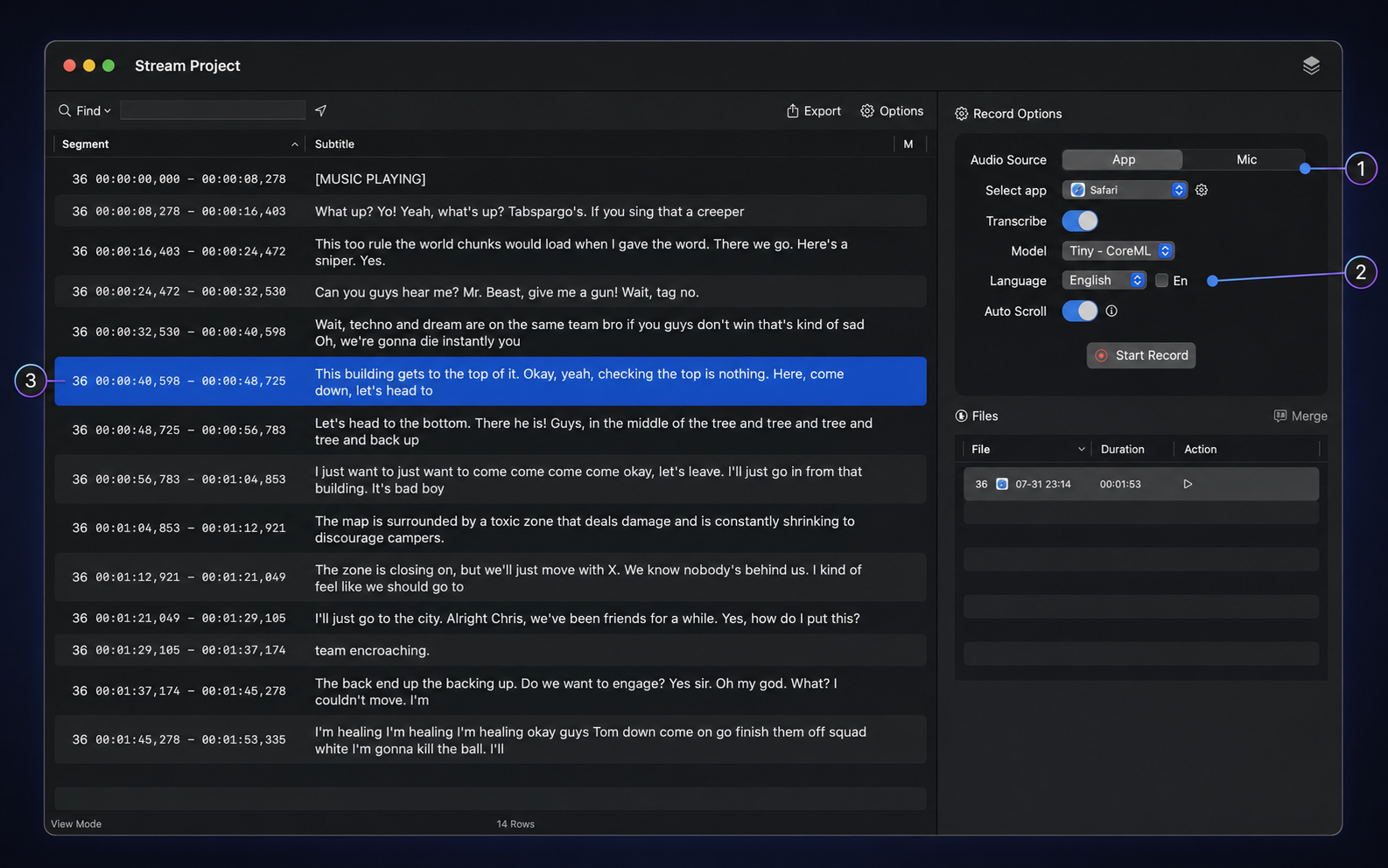
Turn videos, calls, and browser audio into a live transcript.
Capture audio from a video or call.
Watch transcript segments arrive in real time.
Start and stop the selected app capture in one place.
Capture one app, your microphone, or both with the model you prefer.
Switch between app audio and microphone input.
Pick the transcription model and spoken language.
Follow the timestamped transcript as it appears.
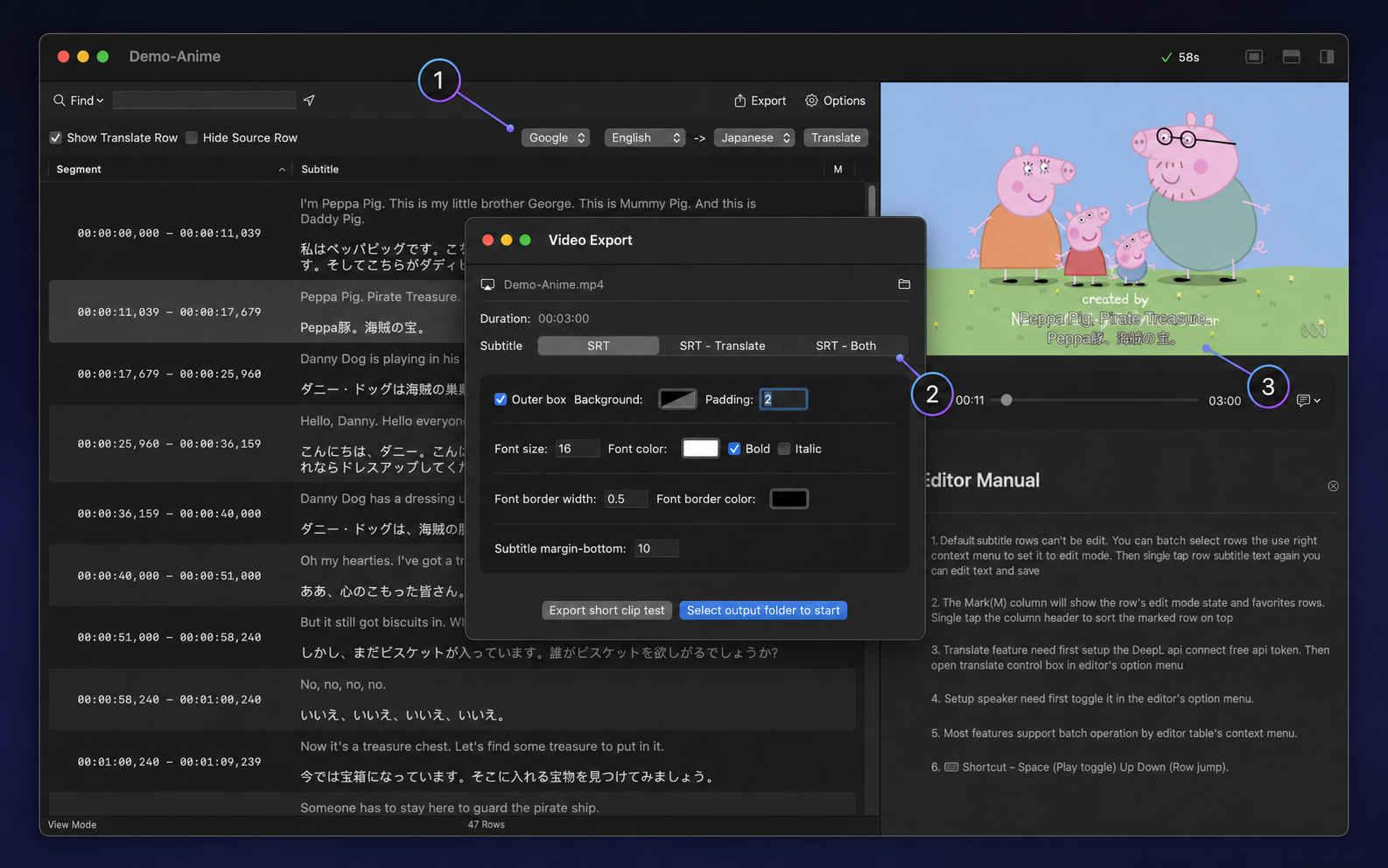
Move from translated lines to SRT or a finished video without rework.
Set the source and target language.
Export source, translation, or bilingual SRT.
Preview and burn subtitles into the video.
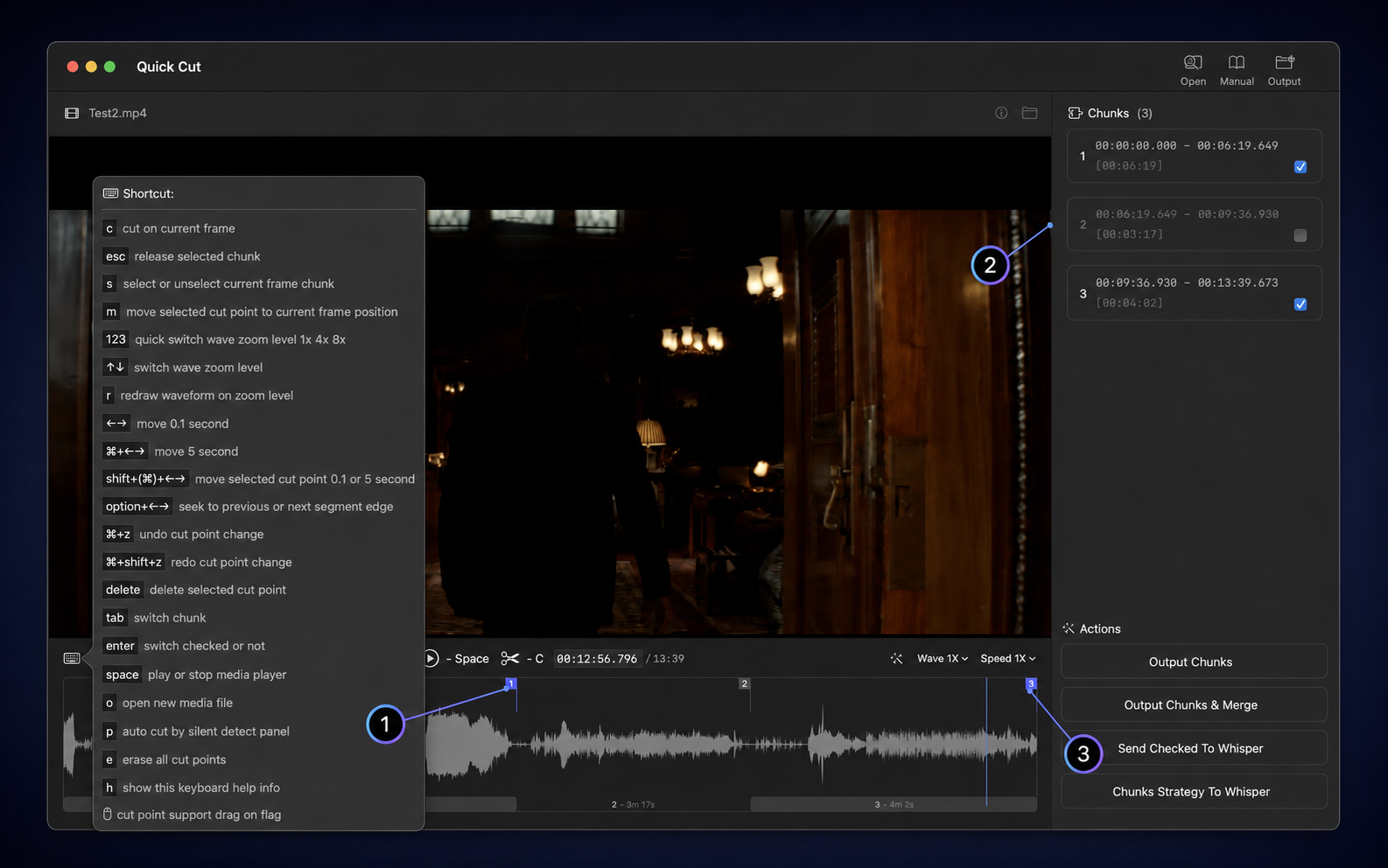
Use the waveform to keep useful sections and send them straight to transcription.
Place precise cuts on the waveform.
Select only the chunks you want to keep.
Export, merge, or send the selection to Whisper.
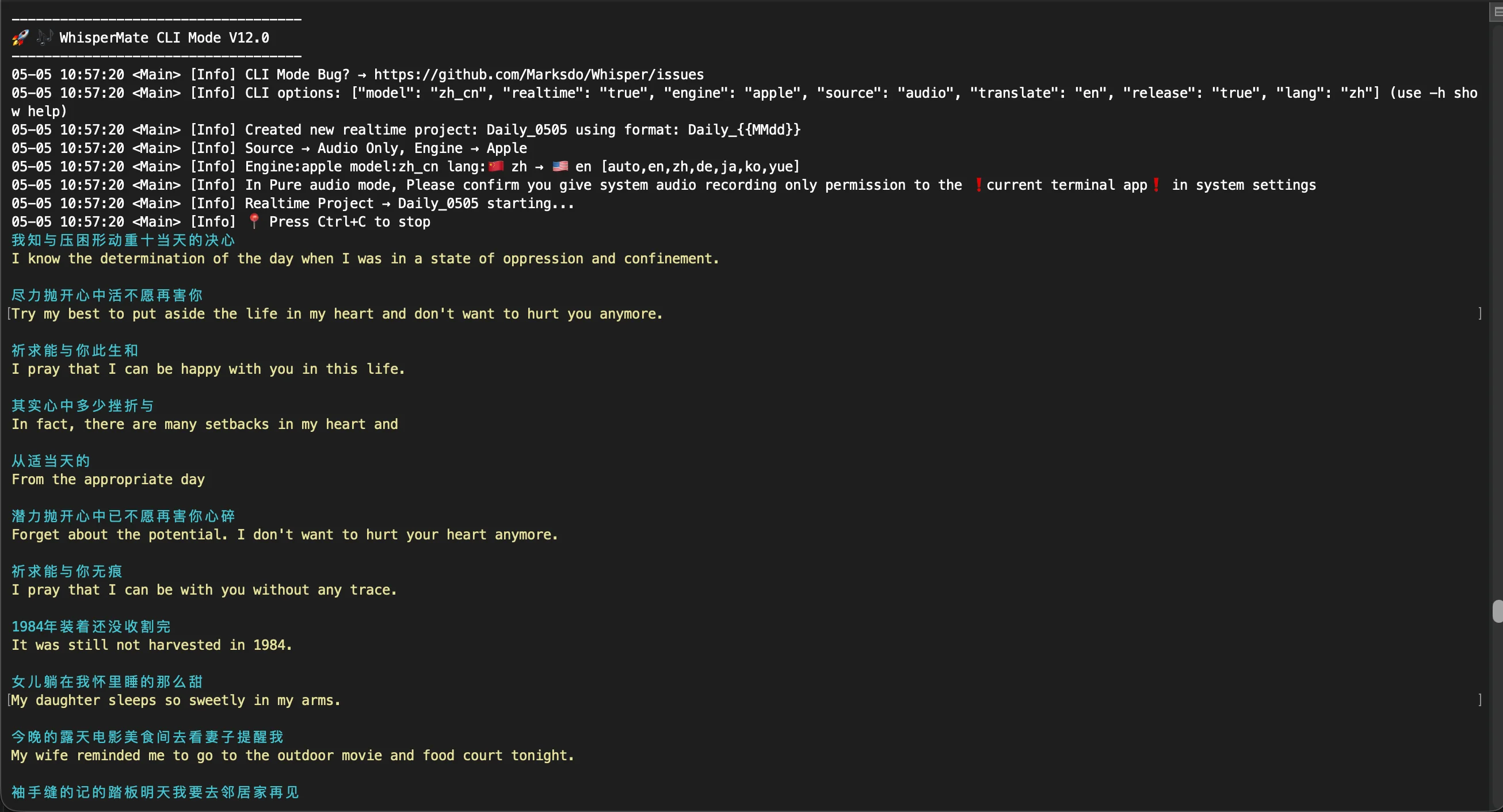
Capture audio, transcribe it, and stream translations directly in your terminal.
Choose the audio source, transcription engine, and languages with CLI options.
Read the source transcript and translated text as they appear.
Run repeatable real-time transcription workflows from scripts and automations.
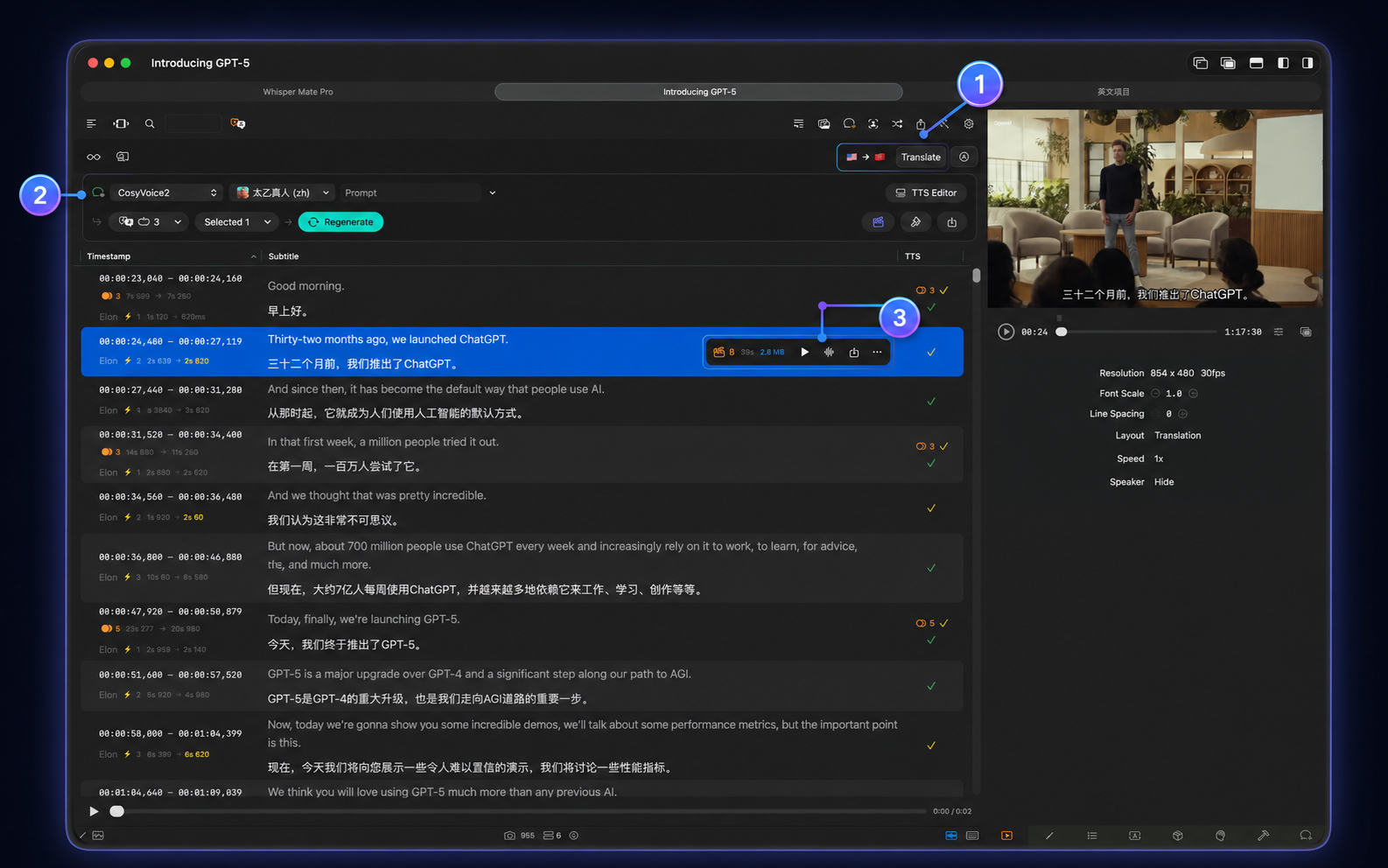
Generate and preview a voice track for every subtitle line without leaving the editor.
Translate subtitles into the target language.
Choose a TTS engine, speaker, and voice prompt.
Generate, audition, and synchronize speech line by line.
Watch Whisper Mate in action
Explore product walkthroughs for transcription, live capture, quick cutting, downloads, teamwork, and transcription engines.